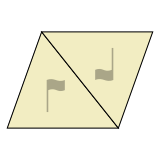
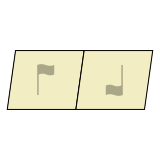
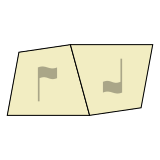
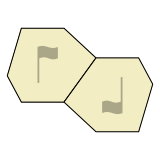
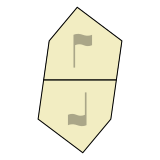
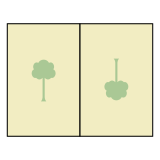
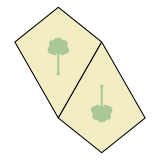
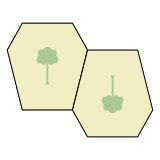
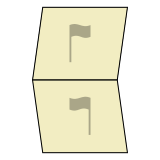
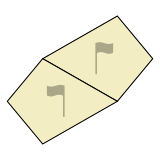
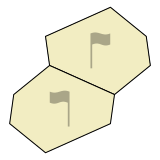
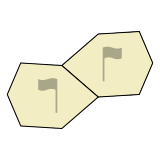
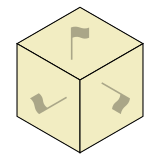
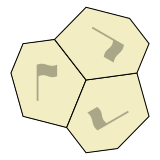
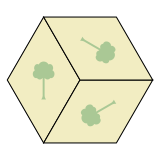
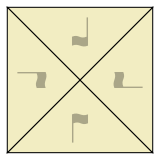
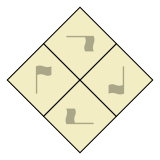
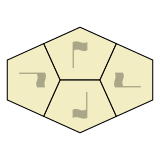
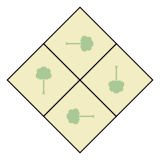
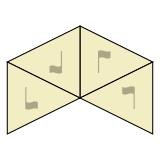
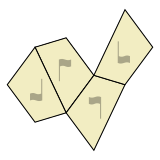
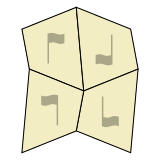
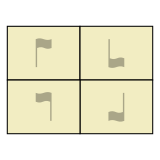
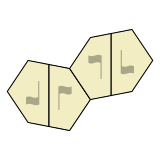
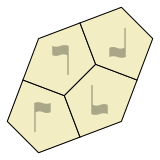
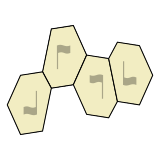
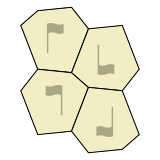
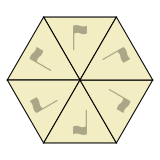
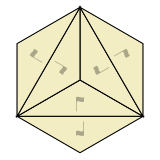
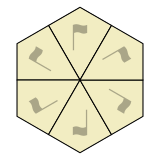
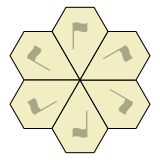
To create a new tessellation, click a symmetry icon in the chart.
Related symmetries are grouped together in the chart, based on how many different ways tiles are oriented. For example, tiles in a “3-way” symmetry appear in 3 rotated orientations, while tiles in a “2-way with flip” symmetry appear in 2 flipped orientations.
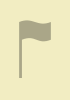
In the chart, “flag” or “tree” graphics help show how tiles are rotated and/or flipped.
The graphic is a tree when tiles are symmetrical across a central “mirror”, and a flag otherwise.
(To find symmetries by wallpaper group, Heesch type, IH type, or Mohr type, please see the Summary Table.)
当前密铺图案有未保存的更改。
您确定要继续吗?
|
|
||||
|
|
||||
|
|
||||
|
|
||||
(此设备不支持)
(请注意,更改设置仅影响当前浏览器和设备。)
分享密铺图案艺术品的最佳方式是导出图片或视频,然后发布到您喜欢的分享网站。
要导出图片,请从文件菜单中选择"导出 PNG 图片"或"导出 SVG 图片"。 要导出视频,请从视图菜单打开动画,然后选择"导出视频"。
分享时请使用标签 #TiledDotArt 来帮助其他 Tiled.art 用户找到您的作品。
将密铺图案瓦片导出为3D文件,用于打印或CAD编辑。
保存到:STEP 导出在您的设备上运行。根据您设备的处理能力,可能需要几分钟。