Create a tessellation
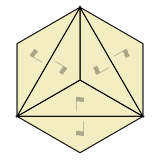
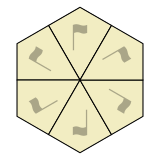
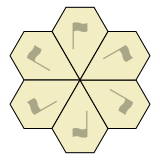
To create a new tessellation, click a symmetry icon in the chart.
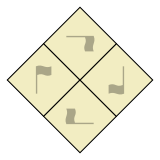
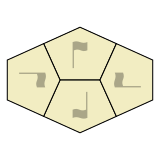
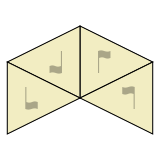
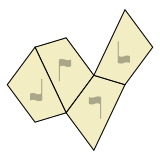
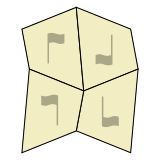
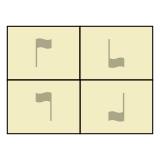
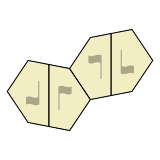
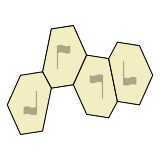
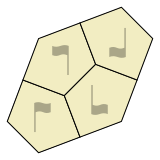
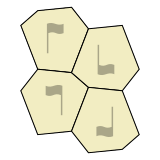
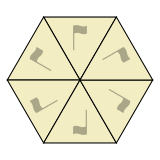
Related symmetries are grouped together in the chart, based on how many different ways tiles are oriented. For example, tiles in a “3-way” symmetry appear in 3 rotated orientations, while tiles in a “2-way with flip” symmetry appear in 2 flipped orientations.
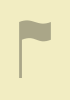
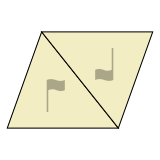
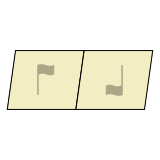
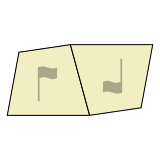
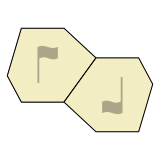
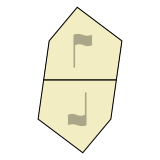
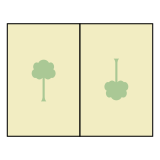
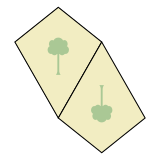
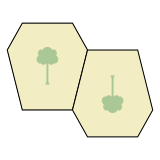
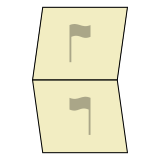
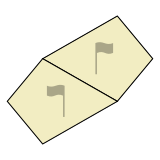
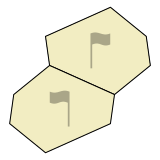
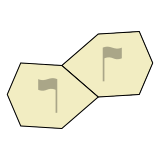
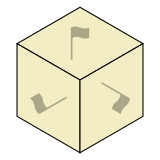
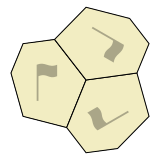
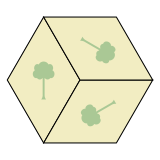
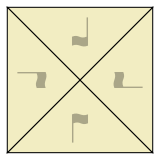
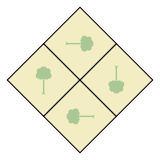
 In the chart, “flag” or “tree” graphics help show how tiles are rotated and/or flipped. The graphic is a tree when tiles are symmetrical across a central “mirror”, and a flag otherwise.
(To find symmetries by wallpaper group, Heesch type, IH type, or Mohr type, please see the Summary Table.)


